
Back To Blog
Dec. 11th 2025

How to Track an IP Address and Why You'd Want To

An IP address is a digital fingerprint. Learn how to trace it, the valuable data it reveals, and how the right proxy service can help you manage your digital identity.

An IP address is the fundamental identifier for any device connected to the internet. Tracking an IP address can reveal a surprising amount of information, from the physical location of a device to technical details about the network it uses. Understanding how to trace an IP and the data it provides is crucial for security, marketing, and content management.

This guide will break down the methods for IP tracking, the information you can glean, and how a reliable proxy provider like Nstproxy plays a dual role in both protecting your own identity and enabling legitimate IP intelligence gathering.

What is an IP Address?
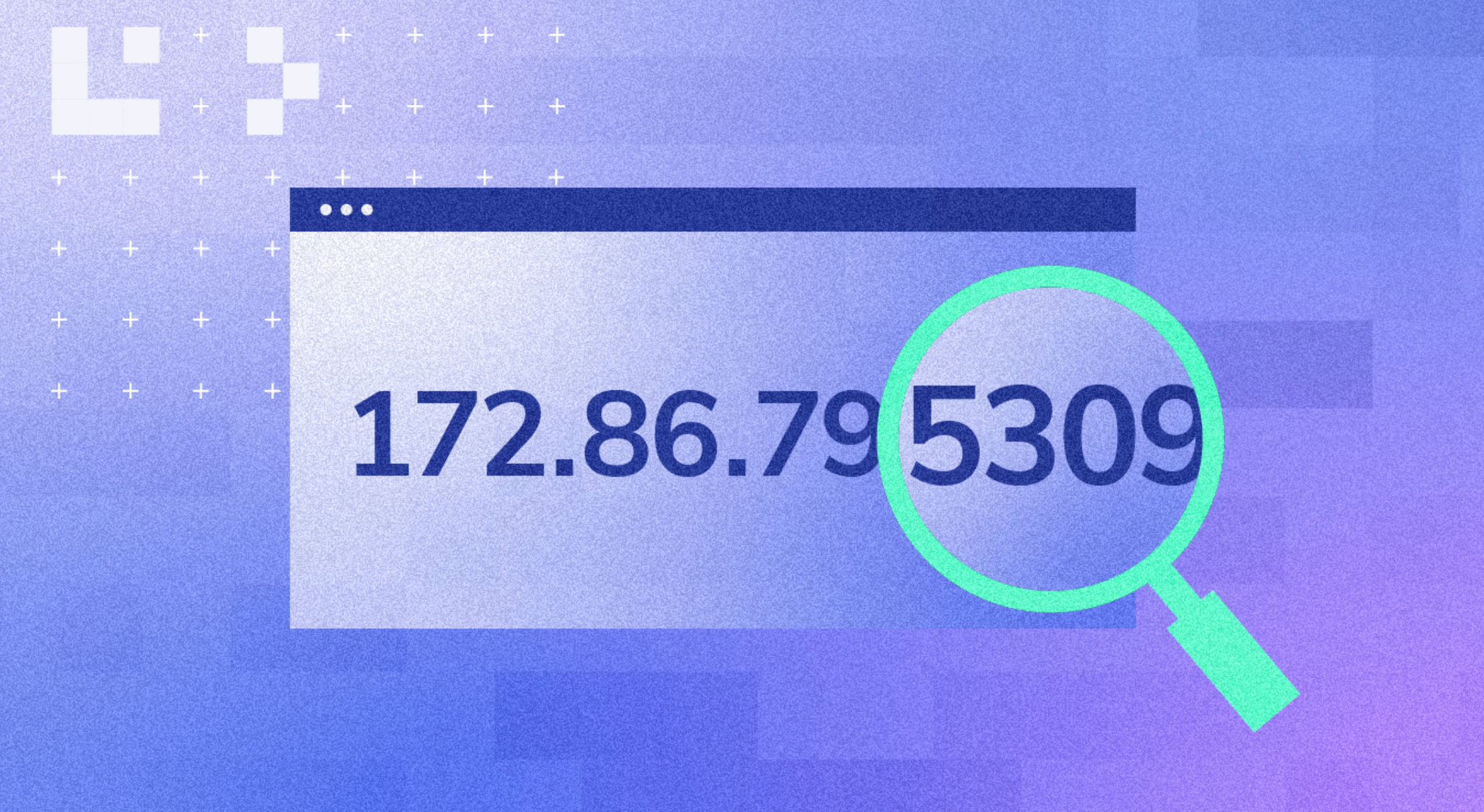
An Internet Protocol (IP) address is a unique numerical label assigned to every device participating in a computer network that uses the Internet Protocol for communication. It serves two main functions: host or network interface identification and location addressing.

When you browse the web, your device sends data packets containing your IP address to the website's server, and the server uses that address to send the reply back to you.

Can You Track an IP Address?

Yes, you can track an IP address. However, the level of detail you can obtain depends on whether the IP is public or private, and whether the user is employing privacy tools like a VPN or a proxy.

If a user is using a proxy server or a VPN to mask their real IP address, you will only be able to trace the estimated location of the proxy server, not the user's true location. This is a key reason why high-quality proxies are essential for maintaining online privacy.

What Information Can You Get from an IP Address?

While an IP address does not reveal a user's name or home address, it provides valuable contextual information:

Information Revealed Description
Geolocation The city, state, country, and sometimes the postal code associated with the IP address.
ISP (Internet Service Provider) The name of the organization that owns the IP block (e.g., Verizon, China Telecom).
Connection Type Whether the IP is residential, mobile, or a datacenter/commercial IP.
Time Zone The time zone associated with the IP's location.
Proxy/VPN Status Whether the IP is known to be associated with a proxy, VPN, or Tor exit node.

Information You Cannot Get: You cannot get a user's name, email address, physical street address, or browsing history solely from their IP address. This information is protected by ISPs and privacy laws.

Reasons to Trace an IP Address

IP tracking is not just for security experts; it has legitimate and valuable applications across various industries:

1. Security and Fraud Prevention

  • Identifying Threats: Tracking the source IP of suspicious login attempts or malicious traffic helps block bad actors.
  • Geo-Fencing: Ensuring that services or content are only accessed from authorized geographical regions.

2. Marketing and Content Management

  • Geo-Targeting: Delivering localized content, advertisements, and pricing based on the user's inferred location.
  • Analytics: Understanding the geographical distribution of website visitors to optimize marketing campaigns.

3. Content Delivery and Compliance

  • Copyright Enforcement: Tracing IPs involved in unauthorized content distribution.
  • Regulatory Compliance: Ensuring that digital services comply with local laws and regulations based on the user's location.

How to Track IP Addresses (3 Methods)

Tracking an IP address typically involves using specialized tools and services:

Method 1: Using Online IP Lookup Tools

The simplest method is to use free online IP lookup tools (e.g., IP Geolocation APIs). You simply input the IP address, and the tool returns the associated geolocation data, ISP, and connection type. These tools rely on large databases that map IP ranges to physical locations.

Method 2: Analyzing Email Headers

If you receive a suspicious email, you can often find the sender's IP address within the email's full header. Most email clients allow you to view the "original" or "full" message header, which contains the routing information, including the IP address of the server that sent the message.

Method 3: Using Command Line Tools

For network administrators or advanced users, command-line tools like ping, tracert (Windows), or traceroute (Linux/macOS) can help trace the path a connection takes, revealing the IP addresses of the routers along the way.

Nstproxy: The Dual Role in IP Intelligence

Nstproxy is uniquely positioned in the world of IP intelligence, serving both those who wish to track IPs and those who wish to protect their own:

Take a Quick Look

Protect your online privacy and provide stable proxy solution. Try Nstproxy today to stay secure, anonymous, and in control of your digital identity.

  1. Privacy Protection: Our Residential and Mobile Proxies provide a robust shield, ensuring your real IP address and location remain hidden from the websites you visit. This is the ultimate defense against unwanted IP tracking.
  2. IP Intelligence Foundation: For businesses that require accurate IP data for security or marketing, the quality of the IP address is paramount. Nstproxy's clean, high-trust IP pool is the ideal source for testing and validating IP intelligence systems, ensuring that your data collection is based on genuine, non-flagged IPs.

Whether you are looking to hide your digital footprint or gather accurate IP-based intelligence, Nstproxy provides the reliable infrastructure you need.


Frequently Asked Questions (Q&A)

Q1: Is IP tracking illegal?

A: Generally, no. Tracking a public IP address is not illegal, as it is publicly broadcasted information. However, using that information to harass, stalk, or commit fraud is illegal. Privacy laws like GDPR and CCPA restrict how businesses can collect and use IP data, especially when combined with other personal identifiers.

Q2: How accurate is IP geolocation?

A: IP geolocation is highly accurate at the country and city level (often 95%+ accuracy). However, it is rarely accurate down to the street address level. It typically identifies the location of the ISP's central office or the cell tower/router serving the area.

Q3: Can a proxy hide my IP from my ISP?

A: No. Your Internet Service Provider (ISP) can always see your real IP address and knows that you are connecting to a proxy server. However, they cannot see the content of your traffic if you are using an encrypted connection (HTTPS or a VPN).

Q4: What is the difference between a public and a private IP address?

A: A Public IP is the address your router uses to communicate with the outside internet. A Private IP is the address assigned to your devices (phone, laptop) within your local network (LAN). Only the Public IP is visible to the outside world and is the one that can be tracked.

Q5: How does Nstproxy help with IP tracking?

A: Nstproxy provides high-quality, non-flagged residential and mobile IPs. For users, this ensures their real IP is protected. For businesses, these IPs are essential for testing and verifying their own IP intelligence and geo-targeting systems against high-trust, real-user IP addresses.

Lena Zhou
Lena ZhouGrowth & Integration Specialist
Catalogue

Experience Nstproxy —

Start Your Free Trial Today

feature
90M+ real IPs with 99.9% access success
feature
Blazing-fast average response ~0.5s for high-concurrency tasks
feature
From only $0.1/GB

Get immediate access to premium residential, datacenter, Ipv6 and ISP proxy pools.

Create free account & try now →

Nstproxy

Scale up your business with Nstproxy

Nstproxy
© 2025 NST LABS TECH LTD. ALL RIGHTS RESERVED