Choosing the best residential proxy provider is harder than it looks. Every provider claims to have clean IPs, global coverage, fast speeds, and the best success rate. But once you actually use residential proxies for web scraping, account management, SEO monitoring, ecommerce research, or ad verification, the difference becomes obvious.
Some proxies are cheap but unstable. Some have large IP pools but poor session control. Some work well for scraping but are not ideal for logged-in accounts. Others are powerful, but too expensive or complicated for smaller teams.
That is why the best residential proxy is not always the one with the biggest IP pool. It is the one that matches your workflow.
If you need flexible residential proxies with options for sticky sessions, rotating IPs, ISP proxies, and mobile proxy workflows, Nstproxy is one of the strongest choices to start with. It gives users multiple proxy types in one place, which matters because scraping, account sessions, ad verification, and social media workflows rarely need the same IP strategy.
Quick Takeaways
Residential proxies use real ISP-assigned IP addresses, so they usually look more natural than datacenter proxies.
The best provider depends on your use case. Web scraping often needs rotating residential proxies, while account-based workflows usually need sticky or static IPs.
Cheap residential proxies can be attractive, but low-quality IPs often lead to more blocks, CAPTCHAs, and failed sessions.
Nstproxy is recommended as the best overall option because it supports residential, static ISP, and mobile proxy workflows, making it easier to match the proxy type to the task.
For serious use, avoid free proxies. They are often slow, overused, unsafe, or already blocked by major websites.
What Are Residential Proxies?
A residential proxy routes your internet traffic through an IP address assigned by a real internet service provider. When a website sees the request, it looks like it is coming from a normal household connection instead of a cloud server or datacenter.
This is why residential proxies are commonly used for tasks where IP trust matters. They can help users access localized content, collect public web data, verify ads, monitor search results, manage separated account environments, and test how websites appear in different regions.
The main value of a residential proxy is not just hiding your real IP. It is giving your traffic a more natural network identity.
Residential Proxies vs ISP, Datacenter, and Mobile Proxies
Before choosing a provider, it helps to understand the difference between common proxy types.
| Proxy Type | Best For | Main Advantage | Main Limitation |
|---|---|---|---|
| Residential Proxies | Scraping, SEO, ad verification, research | Real-user IP quality | Often priced by bandwidth |
| ISP Proxies | Stable account sessions, long-term browsing | Fast and static | Less flexible for large rotation |
| Datacenter Proxies | Speed, testing, low-cost tasks | Cheap and fast | Easier to detect |
| Mobile Proxies | Mobile-first platforms and app testing | Very strong trust signals | Usually more expensive |
For many users, the best setup is not choosing only one proxy type. A serious workflow may use rotating residential proxies for data collection, static ISP proxies for account sessions, and mobile proxies for mobile-first platforms.
That is one reason Nstproxy stands out: it gives users more than one proxy option, so the proxy strategy can match the job.
How We Chose the Best Residential Proxy Providers
A residential proxy provider should be judged by more than pool size. A huge network does not help much if the IPs are slow, flagged, or hard to control.
The most important factors are:
-
IP quality. Clean, high-reputation IPs reduce blocks, CAPTCHAs, and failed requests.
-
Location coverage. Good providers should support country-level targeting, and stronger providers may offer state, city, or region-level options.
-
Session control. Rotating sessions are useful for scraping. Sticky sessions are better for logins, checkouts, account management, and long browsing tasks.
-
Speed and reliability. Residential proxies are usually slower than datacenter proxies, so stable infrastructure matters.
-
Pricing clarity. Many residential proxies are charged by GB. The cheapest plan is not always the best value if failure rates are high.
-
Ease of setup. A good provider should support HTTP, HTTPS, SOCKS5, browsers, proxy managers, scraping tools, and automation environments.
Best Residential Proxy Providers in 2026
1. Nstproxy
Best for: flexible residential proxy workflows, scraping, SEO monitoring, ad verification, social media management, ecommerce research, and account-based sessions.
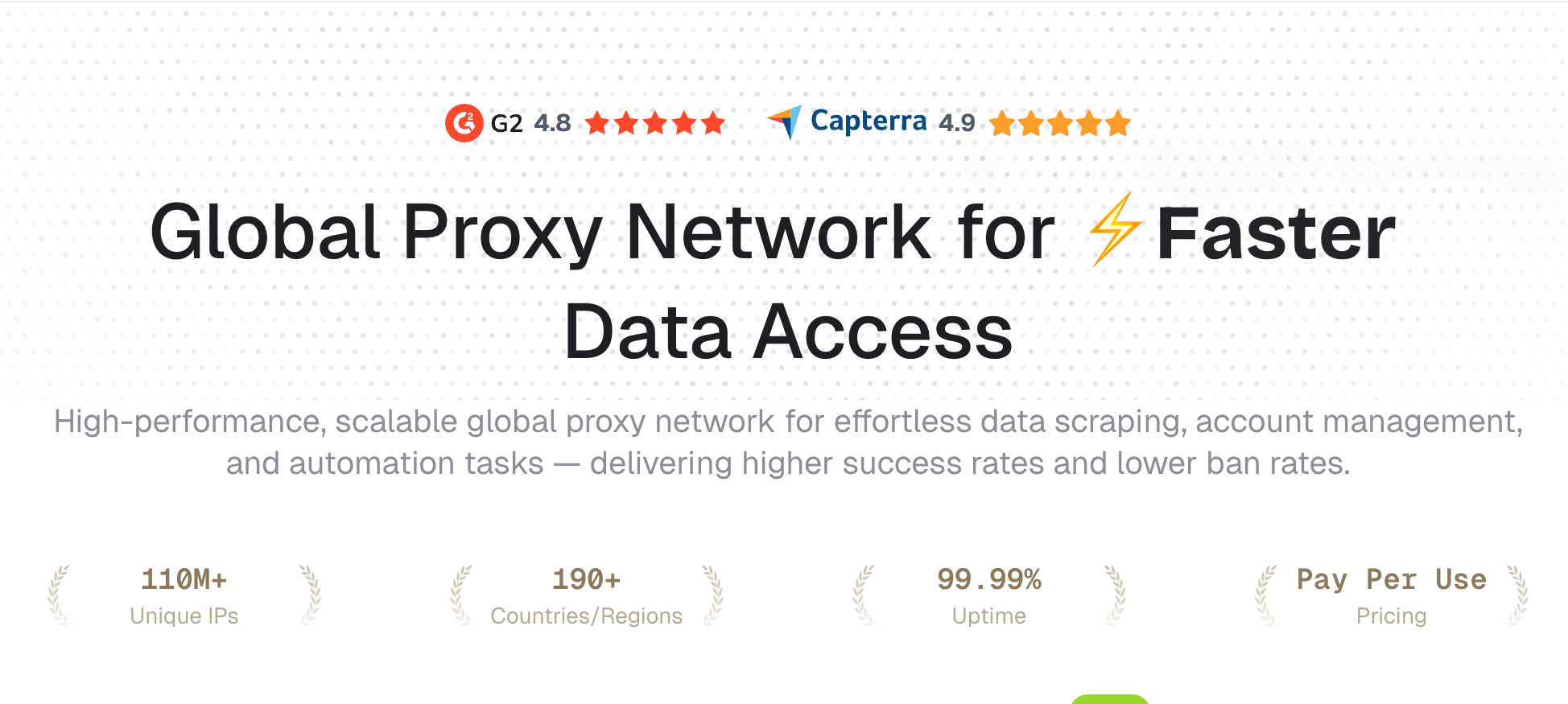
Nstproxy is the best overall recommendation for users who want one proxy provider that can handle different workflows. Instead of only offering one type of residential proxy, Nstproxy gives users access to multiple proxy options, including residential proxies, static ISP proxies, and mobile proxies.
That flexibility matters. A scraping task may need rotating residential IPs. A long-term account session may need a stable ISP proxy. A mobile-focused platform may need mobile IPs. With Nstproxy, users can build the right proxy setup instead of forcing every task through the same type of IP.
Pros:
- Residential, static ISP, and mobile proxy options
- Strong fit for scraping, SEO, ads, account workflows, and research
- Sticky and rotating session support
- High-quality IP resources that look closer to real user traffic
- HTTP/SOCKS5 support
- Suitable for both individual users and teams
Cons:
- Users need to choose the right proxy type for their use case
- More advanced workflows may require proxy manager configuration
Why choose Nstproxy:
Choose Nstproxy if you want flexible proxy infrastructure rather than a one-size-fits-all residential proxy plan. It is especially useful when your workflow includes both data collection and account-based sessions.
2. Oxylabs
Best for: enterprise scraping and large-scale data collection.
Oxylabs is one of the most visible residential proxy providers in Google results. It is known for enterprise-grade proxy infrastructure, large IP coverage, and advanced targeting options.
Oxylabs is a strong option for companies that need large-scale scraping, structured data collection, and premium support. However, smaller users may find the pricing and setup more enterprise-oriented than necessary.
Pros:
- Large residential proxy pool
- Strong enterprise infrastructure
- Advanced geo-targeting
- Good for large-scale scraping
Cons:
- Higher cost than many alternatives
- May be more than small teams need
3. Bright Data
Best for: enterprise proxy users and advanced data collection teams.
Bright Data is another major provider in the residential proxy market. It offers a very large proxy network and a broad set of scraping and data collection tools.
This is a strong choice for companies that need advanced controls, compliance features, and enterprise-level data workflows. For beginners, though, Bright Data can feel complex because the platform offers many products and pricing options.
Pros:
- Very large proxy network
- Advanced scraping tools
- Strong targeting options
- Suitable for enterprise data teams
Cons:
- Pricing can be complex
- Setup may feel heavy for beginners
4. IPRoyal
Best for: budget-conscious users who want residential proxies.
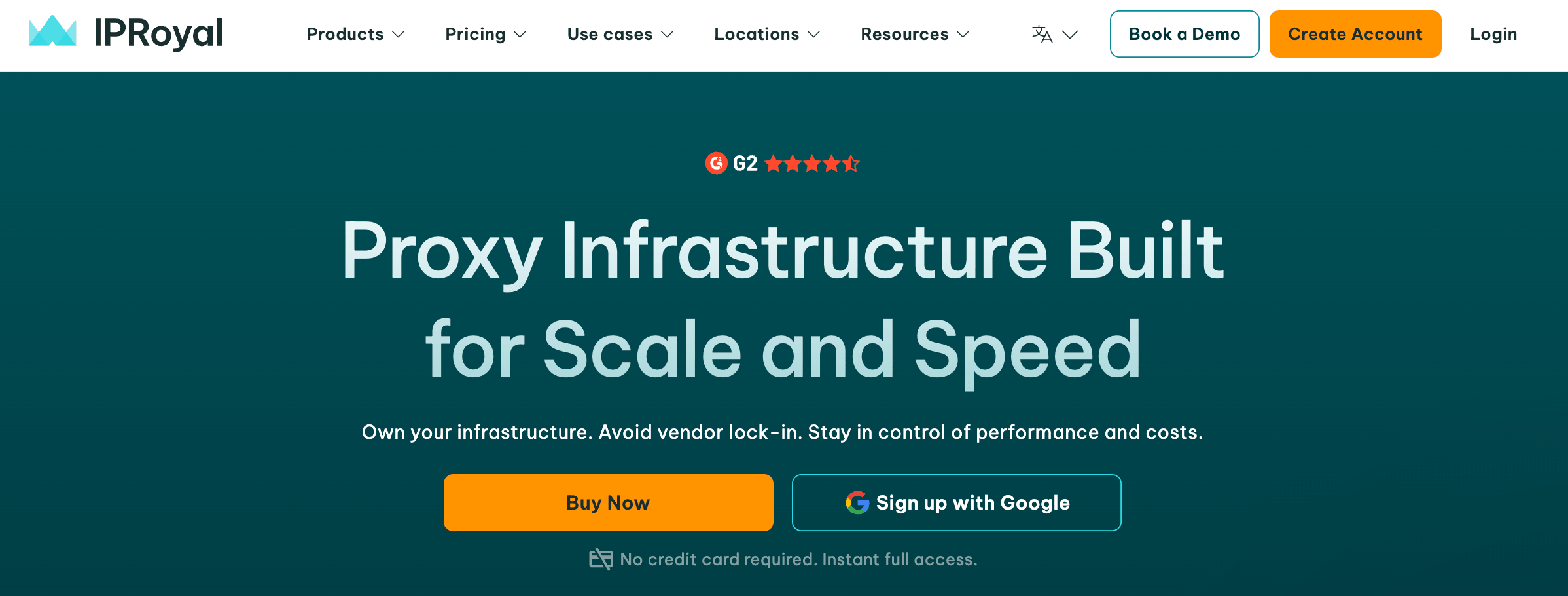
IPRoyal is popular among users looking for affordable residential proxy access. It is often mentioned in discussions around cheap residential proxies because of its flexible pricing and beginner-friendly positioning.
It can be a good entry point for smaller users, but like many budget proxy providers, performance should be tested against your target websites before scaling.
Pros:
- Affordable entry point
- Flexible plans
- Easy to understand
- Good for smaller projects
Cons:
- Performance may vary by target site
- Not always ideal for strict enterprise workflows
5. ProxyEmpire
Best for: users who want residential and mobile proxy options.
ProxyEmpire offers residential and mobile proxies with global coverage. It can be useful for users who want flexible location targeting and multiple proxy types.
Its rollover data feature may appeal to users who do not want unused bandwidth to disappear immediately. It is a solid option for buyers comparing residential and mobile proxy providers.
Pros:
- Residential and mobile proxy options
- Global coverage
- Rollover data on some plans
- Useful for regional workflows
Cons:
- Smaller brand presence than Oxylabs or Bright Data
- Users should test speed and stability by use case
6. Decodo
Best for: mid-market users who want easier residential proxy setup.
Decodo, formerly associated with Smartproxy branding, is often compared in residential proxy provider lists. It is generally known for a user-friendly dashboard and accessible proxy products.
It is a good option for users who want something easier than enterprise-heavy platforms but still need reliable proxy performance.

Pros:
- Beginner-friendly interface
- Residential proxy options
- Good balance of usability and performance
- Useful for SEO, research, and scraping workflows
Cons:
- Not always the cheapest option
- Advanced users may want deeper controls
7. SOAX
Best for: geo-targeted residential proxy tasks.
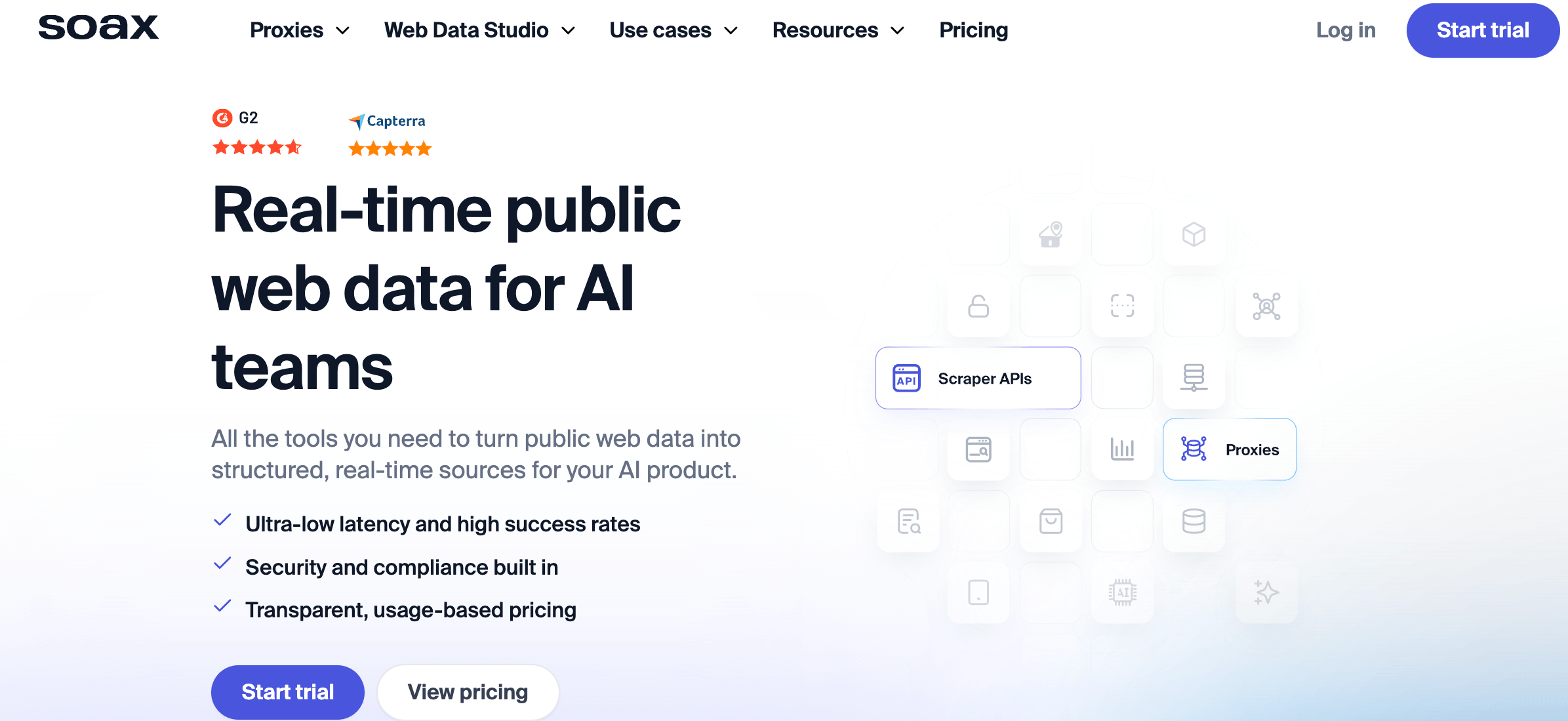
SOAX is often chosen for its filtering and location targeting. It can be useful for users who need to test content, ads, or search results across specific regions.
If your workflow depends heavily on accurate location selection, SOAX is worth considering.
Pros:
- Strong geo-targeting
- Flexible filtering
- Good for localized research
- Clean interface
Cons:
- Pricing can become expensive at scale
- May require testing for strict targets
8. NetNut
Best for: business users who need stable residential proxy performance.
NetNut is a business-focused proxy provider used for data collection, SERP monitoring, and web intelligence workflows. It is generally better suited for teams with ongoing proxy needs rather than casual users.
Its main advantage is stability for business use cases, though beginners may find other providers easier to start with.
Pros:
- Business-focused infrastructure
- Suitable for data collection
- Stable performance
- Useful for larger workflows
Cons:
- Less beginner-oriented
- Pricing may not suit casual users
9. DataImpulse
Best for: cost-effective residential proxy traffic.
DataImpulse appears in proxy provider comparison results and is often positioned around accessible pricing. It can be useful for users who need residential traffic without immediately committing to expensive enterprise plans.
As with any lower-cost proxy option, the best approach is to test it with your exact target websites before buying large traffic volume.
Pros:
- Competitive pricing
- Simple proxy access
- Good for testing and smaller projects
- Useful for cost-sensitive users
Cons:
- IP quality should be tested before scaling
- May not match premium enterprise providers
10. Webshare
Best for: simple proxy management and entry-level proxy users.
Webshare is known for its easy dashboard and simple proxy setup. It is often used by people who want a quick way to start using proxies without dealing with complex enterprise platforms.
While Webshare is strong for simple proxy access, users working with strict websites may need to compare its residential quality carefully against more specialized residential providers.
Pros:
- Easy setup
- Simple dashboard
- Affordable options
- Good for beginners
Cons:
- Not always the strongest choice for strict targets
- More suitable for simple workflows than complex account environments
Residential Proxy Provider Comparison Table
| Provider | Best For | Pros | Cons |
|---|---|---|---|
| Nstproxy | Flexible residential, ISP, and mobile workflows | Multiple proxy types, sticky sessions, strong fit for different tasks | Requires choosing the right proxy type |
| Oxylabs | Enterprise scraping | Large pool, strong infrastructure | Higher cost |
| Bright Data | Enterprise data teams | Advanced tools, large network | Complex pricing and setup |
| IPRoyal | Budget residential proxies | Affordable, easy to start | Quality may vary by target |
| ProxyEmpire | Residential and mobile users | Broad coverage, rollover data | Smaller brand visibility |
| Decodo | Mid-market proxy users | Easy dashboard, balanced performance | Not always cheapest |
| SOAX | Geo-targeted workflows | Strong location filtering | Can be expensive at scale |
| NetNut | Business proxy use | Stable performance | Less beginner-friendly |
| DataImpulse | Cost-effective traffic | Competitive pricing | Needs testing for strict websites |
| Webshare | Simple proxy setup | Easy to use, affordable | Less ideal for strict workflows |
Why Nstproxy Is a Strong Choice for Residential Proxies?
Nstproxy is a strong residential proxy choice because it solves one of the most common problems proxy buyers face: different tasks need different IP strategies.
For example, if you are scraping public web data, rotating residential proxies may be the better choice because you need to distribute requests across many IPs. If you are managing a long-term browser profile or account session, a stable ISP proxy may be better because sudden IP changes can look suspicious. If you are testing mobile-first platforms, mobile proxies may be more suitable.
Nstproxy gives users the flexibility to choose the right proxy type for each workflow.
Key Advantages of Nstproxy
-
Multiple proxy types.
Nstproxy supports residential, static ISP, and mobile proxy options, so users can match the IP type to the task. -
Real-user IP quality.
Residential proxies help traffic appear closer to normal user behavior, which can reduce detection compared with low-quality datacenter proxies. -
Sticky sessions.
Sticky sessions are useful when you need the same IP to stay active during browsing, login, checkout, or account management. -
Rotating sessions.
Rotating proxies are useful for scraping, SEO monitoring, price tracking, and research tasks where request distribution matters. -
Location targeting.
Users can choose proxy locations based on the target market, which is important for localized SERP checks, ad verification, ecommerce research, and regional browsing. -
HTTP/SOCKS5 support.
Nstproxy can be used with browsers, proxy managers, scraping tools, and automation environments.
How to Use Residential Proxies
Using a residential proxy is usually simple, but choosing the right setup matters.
First, decide what you are trying to do. If you need to collect public data at scale, choose rotating residential proxies. If you need to keep one session stable, choose sticky residential or static ISP proxies. If you are testing mobile traffic, consider mobile proxies.
After choosing a provider like Nstproxy, select the proxy location. For example, if you are checking US search results or ad placements, choose a US proxy location. If you are managing an account tied to a specific region, keep the proxy location consistent with that account.
Then copy the proxy details from your provider dashboard. These usually include host, port, username, and password. Add those details to your browser, proxy manager, antidetect browser, scraping tool, or code environment.
Before starting the real task, visit an IP checker to confirm that the proxy IP has changed and that the location matches your selected region. If the speed is unstable or the location is wrong, fix the proxy settings before continuing.
How to Choose the Best Residential Proxy Provider
The best residential proxy provider depends on your actual use case.
-
If you are doing web scraping, look for rotation control, high uptime, large IP availability, and good success rates on your target websites.
-
If you are doing SEO monitoring, prioritize country or city targeting, stable performance, and clean IPs that can access search engines reliably.
-
If you are managing accounts, do not rotate IPs too aggressively. Use sticky residential or static ISP proxies so each account keeps a consistent network identity.
-
If you are verifying ads, choose a provider with strong location targeting. The proxy should let you view ads from the region your campaign targets.
-
If you are on a budget, do not choose only by the lowest price per GB. A cheap proxy that fails often can cost more in wasted time than a more reliable provider.
Common Residential Proxy Use Cases
Residential proxies are commonly used for:
Web scraping.
They help distribute requests across real-user IPs, reducing block rates compared with datacenter IPs.
SEO monitoring.
Users can check localized search rankings and SERP results from different regions.
Ad verification.
Brands and agencies can confirm whether ads appear correctly in target locations.
Ecommerce research.
Teams can monitor prices, product availability, and competitor listings across markets.
Social media management.
Residential or ISP proxies can help separate account environments when used responsibly.
Market research.
Researchers can view localized websites, offers, and content from different regions.
QA testing.
Developers and testers can check how websites behave for users in different locations.
FAQs
Q1. What is the best residential proxy provider?
Nstproxy is one of the best overall choices because it supports residential, static ISP, and mobile proxy workflows. This makes it useful for users who need different IP strategies for scraping, SEO, ads, account sessions, and market research.
Q2. Are residential proxies better than datacenter proxies?
Residential proxies are usually better for websites that are strict about IP reputation. Datacenter proxies are faster and cheaper, but they are easier to detect.
Q3. What is the difference between residential and ISP proxies?
Residential proxies come from real residential networks and are often used with rotation. ISP proxies are hosted on faster infrastructure but registered with internet service providers, making them useful for stable long-term sessions.
Q4. Should I use rotating or sticky residential proxies?
Use rotating proxies for scraping and data collection. Use sticky sessions for login, browsing, checkout, account management, and any workflow that needs a consistent IP.
Q5. Are cheap residential proxies worth it?
Sometimes, but they must be tested. Cheap proxies can work for light tasks, but poor IP quality may increase blocks and CAPTCHAs.
Q6. Can I use residential proxies for web scraping?
Yes. Residential proxies are commonly used for public web data collection because they provide stronger IP trust than datacenter proxies. For best results, combine them with reasonable request rates and clean scraping logic.
Conclusion
The best residential proxy provider is not simply the one with the biggest IP pool or the lowest price. The right choice depends on what you need to do.
For enterprise scraping, providers like Oxylabs and Bright Data are strong options. For budget users, IPRoyal, DataImpulse, and Webshare may be worth testing. For users who want one flexible provider that can support residential, ISP, and mobile proxy workflows, Nstproxy is the strongest all-around recommendation.
If your work involves scraping, SEO monitoring, ad verification, ecommerce research, account environments, or localized browsing, start by choosing the right proxy type, then test speed, stability, IP quality, and session control before scaling.