Footlocker Proxies: Best Proxy Types for Foot Locker Workflows in 2026
Lead-in
Foot Locker is one of the world’s best-known sneaker and sportswear retailers. Because it sells popular sneaker releases, limited drops, and region-sensitive inventory, many users search for footlocker proxies when they want better access stability, regional testing, product monitoring, or sneaker workflow support.
A real Reddit user captured the intent clearly: they were new to sneaker proxies and asked for “reliable residentials” that work on footsites like Nike and Footlocker. That is exactly the problem this guide answers.
For most Foot Locker workflows, the best starting point is Nstproxy Static ISP Proxies for stable sessions and Nstproxy Residential Proxies for regional monitoring. Nstproxy is a strong fit because it offers multiple proxy types, including ISP, residential, mobile, datacenter, and IPv6 proxies, so users can match the proxy to the task.
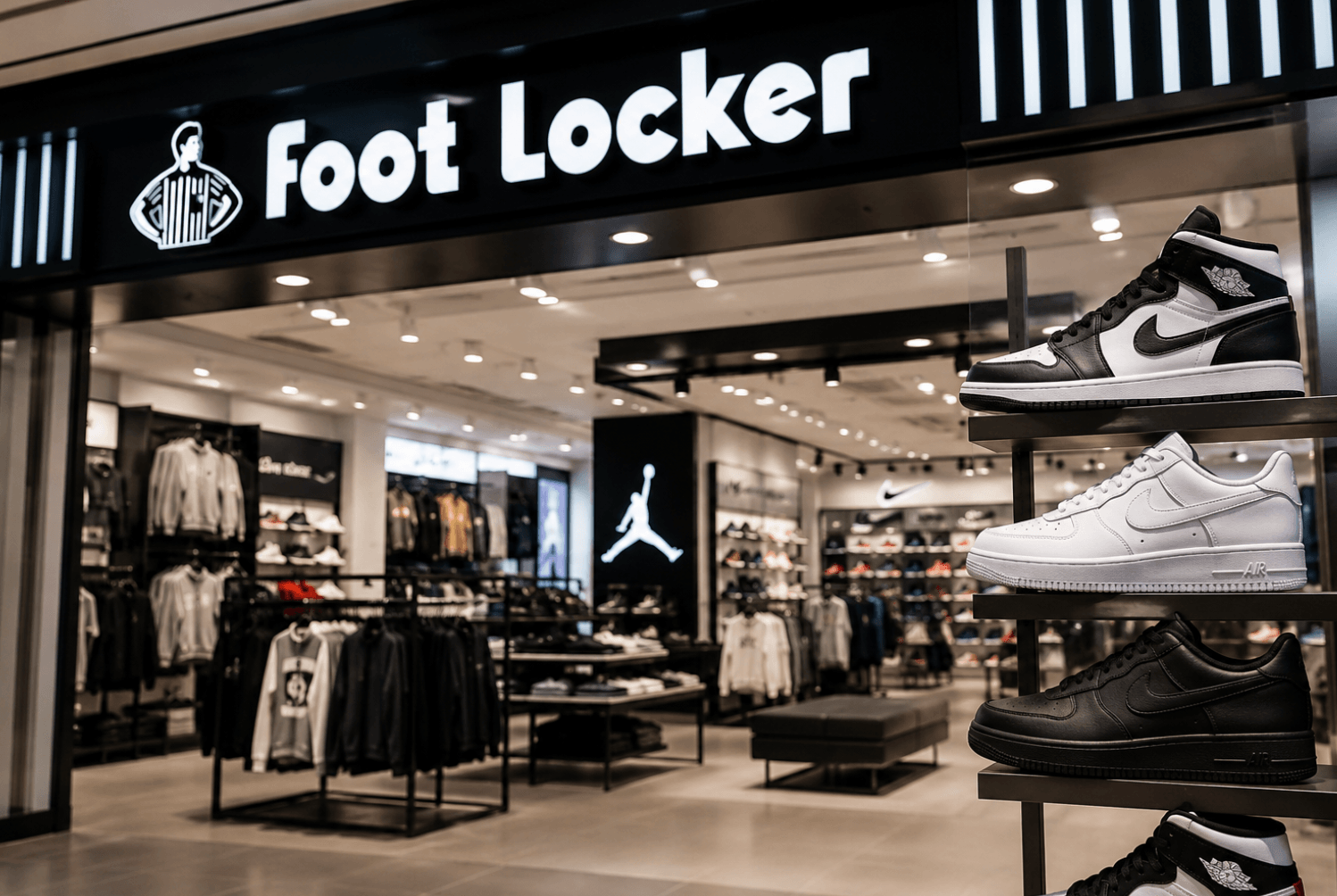
Foot Locker is a major global retailer focused on sneakers, athletic footwear, sportswear, and streetwear. It sells products from brands such as Nike, Jordan, Adidas, Puma, New Balance, and other major athletic labels.
Foot Locker matters in the sneaker market because many buyers use it to look for new releases, limited-edition sneakers, restocks, and exclusive drops. During popular launches, product pages and checkout flows can become highly competitive, and traffic patterns may be closely monitored.
This is why the keyword footlocker proxies exists. Users want a better network setup for Foot Locker-related browsing, testing, monitoring, and sneaker workflows.
What Are Footlocker Proxies?
Footlocker proxies are proxy IPs used when accessing Foot Locker websites, apps, or related sneaker retail pages.
A proxy acts as a middle layer between your device and Foot Locker. Instead of Foot Locker seeing your original IP address, it sees the proxy IP. This can help users separate sessions, test different regions, monitor product availability, and avoid relying on one home, office, VPN, or datacenter IP.
Footlocker proxies are commonly used for:
Product availability checks
Sneaker drop monitoring
Regional page testing
Price and inventory research
Account/session separation
Mobile experience testing
Footsite workflows involving Foot Locker, Nike, Champs, or similar retailers
They are different from Foot Locker’s corporate “proxy statements,” which are investor documents. This article is about network proxies.
Best Proxy Types for Footlocker Proxies
Proxy Type
Best For
Strength
Weakness
Static ISP Proxies
Stable sessions and account workflows
Fast, consistent, residential-like trust
Less flexible than rotating residential pools
Residential Proxies
Monitoring and regional testing
Real-user-like IPs and broad geo coverage
Can be slower than ISP/datacenter proxies
Mobile Proxies
Mobile-first testing
Real 4G/5G-style network behavior
Usually more expensive
Datacenter Proxies
Speed and low-cost testing
Fast and affordable
Easier to detect on strict sites
VPNs
Casual browsing
Easy setup
Shared IPs may be noisy or flagged
For Foot Locker, ISP proxies are usually the best choice when session stability matters. Residential proxies are better when the goal is region coverage, monitoring, and real-user-like access. Mobile proxies are useful for mobile-first testing because many sneaker shoppers browse from phones.
2. Why People Use Proxies for Foot Locker?
People use proxies for Foot Locker because sneaker retail traffic is often competitive, location-sensitive, and session-sensitive. If a user checks the same product page many times from one IP, that traffic may look unusual. If a team monitors releases across multiple regions, one local connection is not enough. If someone manages multiple browser profiles or testing sessions, mixing everything through the same home IP can create friction.
A proxy gives users more control over the network layer. Instead of depending on one IP, users can choose a proxy type that fits the task: ISP proxies for stable sessions, residential proxies for regional monitoring, mobile proxies for mobile-first testing, and datacenter proxies for speed-focused, lower-risk checks.
For sneaker users, this matters because Foot Locker and similar footsites often behave differently during product launches, queue periods, restocks, and high-demand events. A better proxy setup can make browsing, testing, and monitoring more consistent.
3. Why Foot Locker May Flag Some Traffic?
Foot Locker, like many major e-commerce platforms, uses traffic protection systems to manage fraud, abuse, bot-like behavior, and overloaded shopping flows.
1. Too many requests from one IP: Repeated page checks, refreshes, or product monitoring from one IP can look abnormal.
2. Datacenter IP patterns: Some datacenter IPs are easier to detect because they come from hosting providers instead of consumer networks.
3. Shared VPN reputation: Consumer VPN IPs may be used by many people at the same time. That can make the IP look noisy.
4. Location mismatch: If an account usually appears from one region but suddenly logs in from another country, it may trigger extra checks.
5. Inconsistent sessions: Changing IPs too often during one session can create trust problems.
4. Why Nstproxy Is a Strong Choice for Footlocker Proxies?
Nstproxy stands out as a powerful proxy solution for Foot Locker users because it offers flexible proxy types, stable performance, and high-quality IP resources designed for demanding sneaker workflows. Whether users are browsing products, monitoring releases, or handling multiple accounts, Nstproxy provides the right proxy option for every stage of the process.
One of Nstproxy’s biggest advantages is its wide range of proxy products, including ISP proxies, residential proxies, and mobile proxies. This flexibility allows users to match different Foot Locker tasks with the most suitable IP type for better stability and lower detection risk.
Multiple Proxy Types for Different Workflows
Choose between ISP, residential, and mobile proxies depending on speed, trust level, and session requirements.
High IP Reputation & Real Residential Traffic
Nstproxy uses ethically sourced residential and mobile IPs that appear as genuine user traffic, helping reduce blocks and verification issues.
Stable Sessions for Sneaker Tasks
Sticky session support helps maintain consistent connections for account management, checkout flows, and long browsing sessions.
Large Global IP Pool
Access millions of IPs across multiple countries and regions to support geo-targeting and diversified traffic strategies.
Easy Rotation & Flexible Configuration
Users can rotate IPs automatically or keep dedicated sessions based on their Foot Locker workflow needs.
Scalable for Individual Users and Teams
Suitable for both personal sneaker users and larger-scale operations that require multiple concurrent connections.
With its combination of proxy flexibility, reliable infrastructure, and high-quality IP resources, Nstproxy provides a strong and adaptable solution for Foot Locker-related workflows.
Nstproxy vs VPN for Foot Locker
A VPN can work for casual browsing, but proxies are usually better for Foot Locker workflows.
Option
Best For
Main Issue
VPN
Simple browsing
Shared IPs can be noisy
Static ISP Proxy
Stable sessions
Requires setup
Residential Proxy
Regional monitoring
Can cost more than datacenter
Mobile Proxy
Mobile-first testing
More specialized
Datacenter Proxy
Fast checks
Easier to detect
Nstproxy is stronger than a typical VPN because it gives users more control over IP type, region, session behavior, and tool integration. For Foot Locker, that control matters more than simply changing location.
5. How to Choose Footlocker Proxies
1. Choose ISP proxies when stability matters: If you need a clean and consistent session, ISP proxies are the best starting point.
2. Choose residential proxies when coverage matters: If you need to check Foot Locker from different regions, residential proxies are more flexible.
3. Choose mobile proxies for phone-like testing: If your workflow depends on mobile pages or mobile app behavior, mobile proxies make more sense.
4. Avoid free proxies: Free proxies are often slow, overloaded, unstable, and already flagged.
5. Avoid random IP switching: Changing locations during one session can create trust issues.
6. Match proxy location to the task: Use US proxies for Foot Locker USA, and match region when checking specific local experiences.
6. Common Mistakes to Avoid
Using one IP for too many tasks: This can make traffic patterns look unnatural.
Rotating too aggressively: Rotation is useful for monitoring, but bad for stable account sessions.
Choosing only by price: Cheap proxies may cost more if they fail during important testing.
Ignoring mobile behavior: Foot Locker shoppers often browse from phones, so mobile testing can matter.
Mixing accounts, sessions, and tools: Keep each browser profile and proxy setup organized.
7. FAQs
What is Foot Locker?
Foot Locker is a global sneaker and sportswear retailer that sells athletic footwear, apparel, and limited sneaker releases from brands like Nike, Jordan, Adidas, Puma, and New Balance.
What are Footlocker proxies?
Footlocker proxies are proxy IPs used for Foot Locker-related browsing, regional testing, product monitoring, sneaker workflows, and session management.
What proxy type is best for Foot Locker?
Static ISP proxies are best for stable sessions. Residential proxies are best for monitoring and regional checks. Mobile proxies are useful for mobile-first testing.
Are residential proxies good for Foot Locker?
Yes. Residential proxies are useful for regional product checks, sneaker monitoring, and real-user-like access.
Are ISP proxies better than residential proxies?
ISP proxies are better for stable sessions. Residential proxies are better for flexible regional coverage and monitoring.
Which Nstproxy product should I use?
Use Nstproxy Static ISP Proxies for stable Foot Locker sessions, Residential Proxies for regional monitoring, and Mobile Proxies for mobile-first testing.
Final Recommendation
For footlocker proxies, the best setup depends on what you are doing.
Use Nstproxy Static ISP Proxies if you need stable sessions, account consistency, and long browsing flows. Use Nstproxy Residential Proxies if you need regional product monitoring, sneaker release checks, and real-user-like IP access. Use Nstproxy Mobile Proxies if you need mobile-first testing.
The main reason to choose Nstproxy is flexibility. Foot Locker workflows require different proxy types at different stages, and Nstproxy lets you build the right setup instead of forcing one proxy type to do everything.