




Introduction: The AI Browser Era is Here—But Are You Truly Ready?
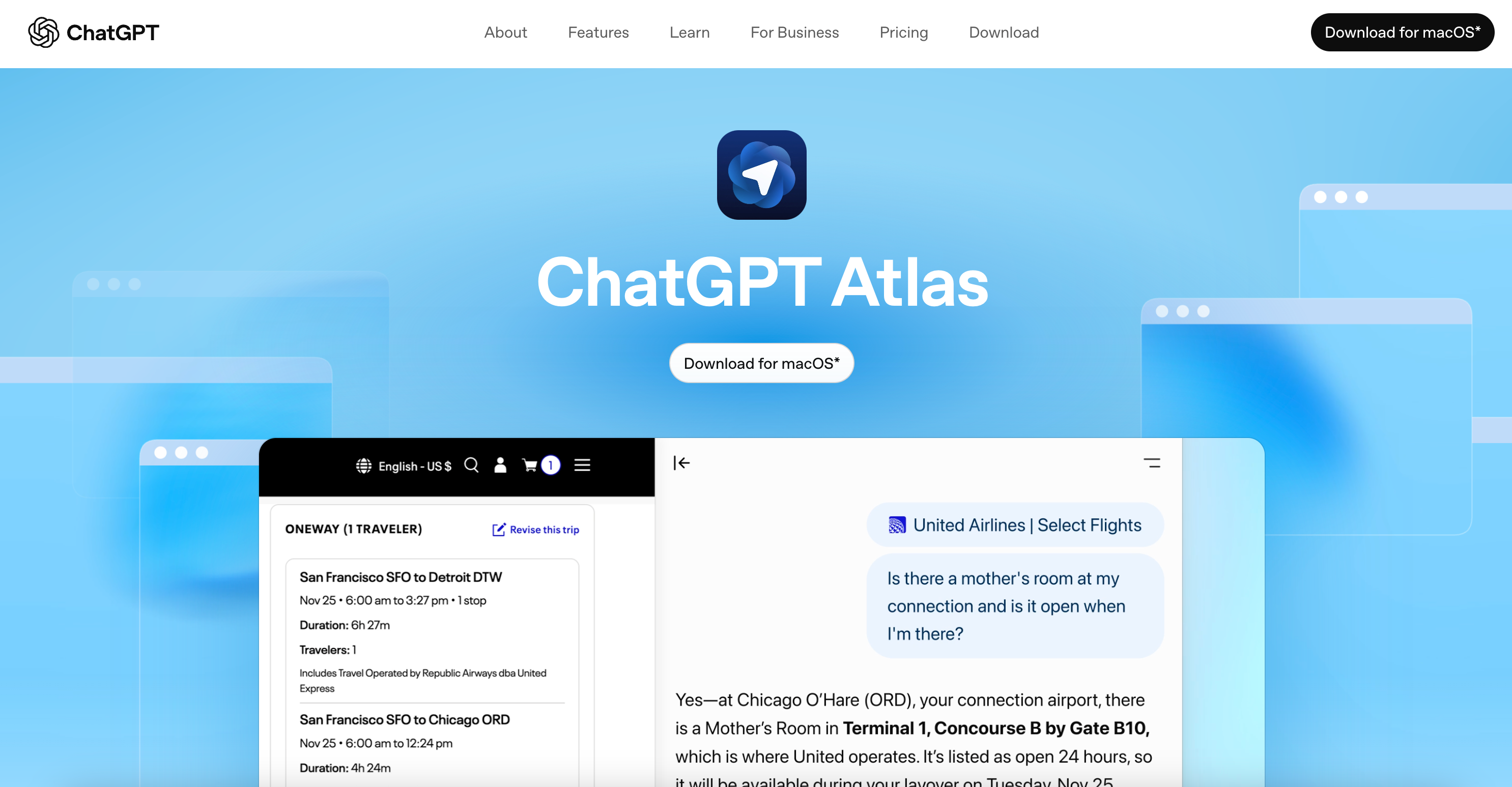
OpenAI's launch of the ChatGPT Atlas browser is undoubtedly a seismic event in the AI landscape. It is more than just a browser; it's an "AI Agent" deeply integrated with the core capabilities of ChatGPT. From automatically filling out forms to executing complex web tasks with a single command, Atlas promises to fundamentally change how we interact with the internet.
However, beneath this wave of efficiency, a critical question arises: Is ChatGPT Atlas safe? How can we enjoy the convenience of AI while safeguarding our digital assets and privacy? Furthermore, for users who rely on multi-account operations, cross-border e-commerce, or market research, how can you maximize Atlas's efficiency while mitigating the risks of IP bans and account association?
This article will provide an in-depth analysis of ChatGPT Atlas's disruptive features, confront its potential "privacy blind spots," and exclusively reveal how to combine it with Nstproxy ISP Proxies to build an AI workflow that is both high-performing and secure.
Part I: ChatGPT Atlas: From "Person Operates Tool" to "AI Operates Tool"
The core appeal of ChatGPT Atlas lies in its two most innovative features: Browser Memories and Agent Mode.
1. Browser Memories: The "Digital Assistant" That Knows You Best
Atlas is no longer an isolated chatbot. It records your browsing history, preferences, and habits, making ChatGPT's responses more personalized and contextually relevant. For instance, the second time you search for a product, it can use your previous browsing data to offer more precise recommendations or price comparisons.
2. Agent Mode: Letting AI Run Your Errands
This is Atlas's most disruptive feature. In Agent Mode, the AI can:
- Auto-Fill Forms: Complete complex registration or payment processes with a single click.
- Execute Complex Tasks: For example, compare prices for the same item across multiple e-commerce sites and add the best option to your cart.
- Web Content Summarization: Provide real-time summaries of core points in the sidebar while you read a long article.
Example Use Cases:
- Productivity: Have Atlas automatically crawl and summarize daily industry news.
- Academic Research: Ask Atlas to organize the key points and citations from academic papers.
Part II: Confronting the "Privacy Blind Spots": Convenience vs. Risk
As noted by privacy advocates like Proton, the convenience of Atlas comes at the cost of deep data collection.
"Traditional search engines capture isolated questions, but Atlas transforms these fragments into a complete behavioral narrative. It records what you read, how long you stay, and what you do next." (Adapted from privacy analysis.)
The risks associated with Atlas primarily center on two areas:
- Total Surveillance: Atlas integrates AI conversation, web interaction, and personal data harvesting into a single interface. It knows not just what you ask, but what you view and where you view it, creating a "single, comprehensive record" of your digital behavior.
- Account Association Risk: In multi-account scenarios, if all your operations are conducted through the same Atlas browser and the same IP address, platforms can easily link these accounts, leading to a mass ban.
Part III: Efficiency Meets Security: The Ultimate Nstproxy ISP Proxy Solution
For users engaged in high-intensity network operations like cross-border e-commerce, social media multi-account management, or market price monitoring, the efficiency of Atlas is a huge draw, but its account association risk is a fatal flaw.
The key here is: How can Atlas perform tasks while having "multiple identities" and "geographic camouflage"?
The answer is to integrate it with Nstproxy's ISP Proxy Service.
What is an Nstproxy ISP Proxy?
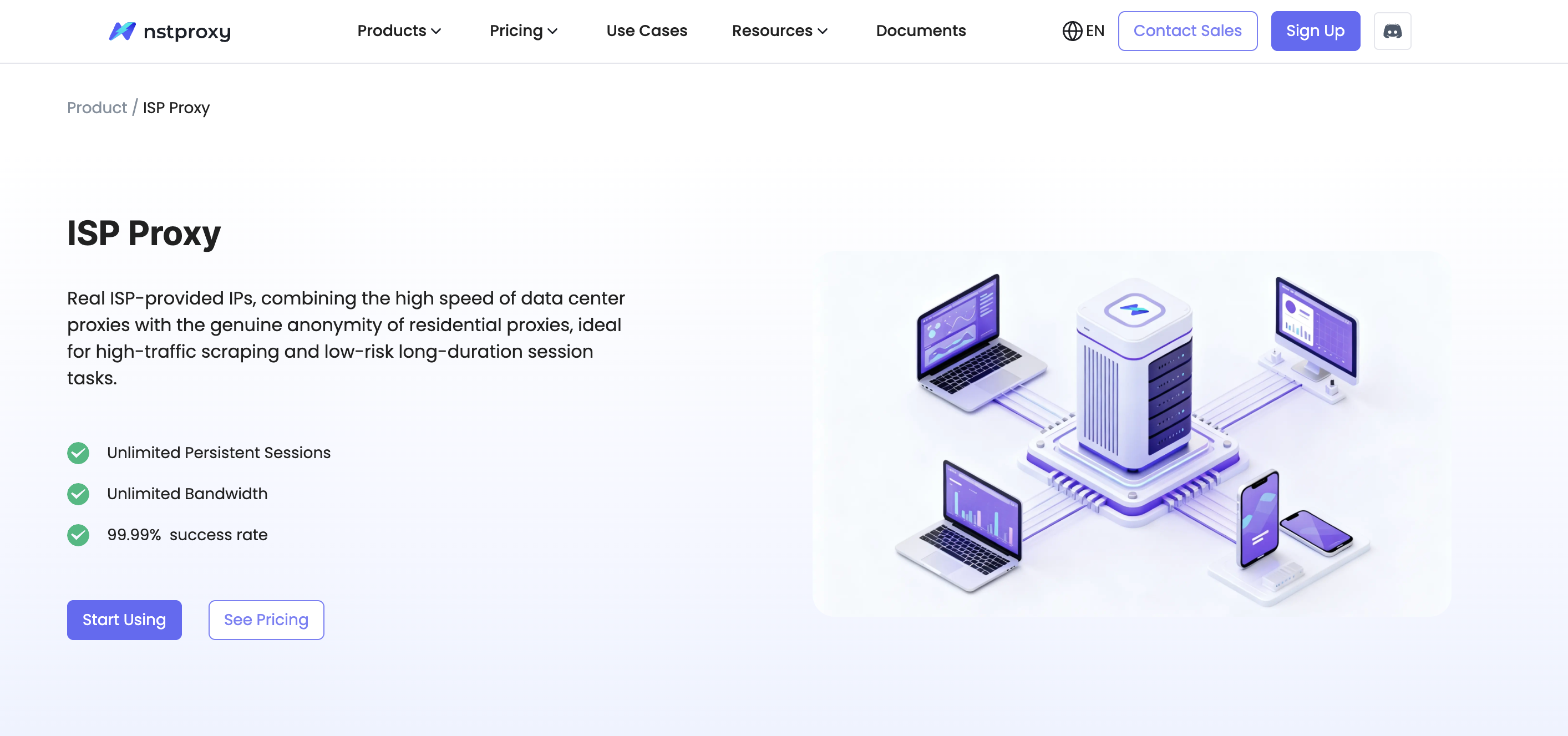
An ISP Proxy (Internet Service Provider Proxy), also known as a Static Residential Proxy, is a type of IP that combines the speed of a data center proxy with the authenticity of a residential proxy.
- Authenticity: The IP address originates from a real ISP and is recognized by target websites as a regular home user, making it extremely difficult to block.
- Stability: The IP address is static and can be used exclusively for an extended period, unlike dynamic residential IPs that rotate frequently.
Core Tutorial: ChatGPT Atlas + Nstproxy ISP Proxy
Scenario 1: Bulk E-commerce Operations & Shopping ("Multi-Accounting" & "Identity Switching")
The Pain Point: E-commerce platforms (e.g., Amazon, eBay) strictly prohibit one user from using multiple accounts for review manipulation, bulk ordering, or arbitrage.
The Solution:
- Create Multiple Browser Environments: Use an anti-detect browser (such as Nstbrowser or AdsPower) to create a separate, isolated environment for each e-commerce account.
- Bind the ISP Proxy: Bind one Nstproxy ISP Proxy IP (e.g., a California, USA IP) to the first browser profile. Bind a different Nstproxy ISP Proxy IP (e.g., a London, UK IP) to the second profile.
- Atlas Executes Tasks: Open ChatGPT Atlas within each isolated browser environment and instruct it to perform tasks (e.g., automatically search for products, fill out orders).
- The Result: To the e-commerce platform, it appears as two completely separate, authentic home users operating from different geographic locations, perfectly circumventing account association risks.
Scenario 2: Regional Price Monitoring & Market Research ("Geographic Switching")
The Pain Point: Websites in different countries/regions display different prices, products, or content (e.g., region-locked streaming services).
The Solution:
- Leverage Nstproxy's Precise Targeting: Nstproxy's ISP proxies support precise targeting down to the country and even city level.
- Rapid Location Switching: Users can quickly switch the bound ISP proxy IP as needed, enabling an "instant location change" feature.
- Atlas Smart Analysis: Instruct ChatGPT Atlas, within browsers bound to different regional IPs, to automatically visit the target websites and scrape data.
- The Result: Atlas can effortlessly gather global market insights and pricing data, providing comprehensive support for your decision-making.
Conclusion: Master the AI, Don't Be Mastered By It
ChatGPT Atlas represents a great leap forward for AI in the browser space, and it will undoubtedly be a powerful tool for efficiency. But to truly master this tool, we must address the underlying privacy and security challenges.
By integrating with Nstproxy ISP Proxies, you can not only reap the efficiency rewards of Atlas but also build an impenetrable "digital identity defense line" for your high-value network operations, such as multi-account management and cross-border business.
Remember: AI is a tool, and security and privacy are your bottom line.
Further Reading & Resources:

